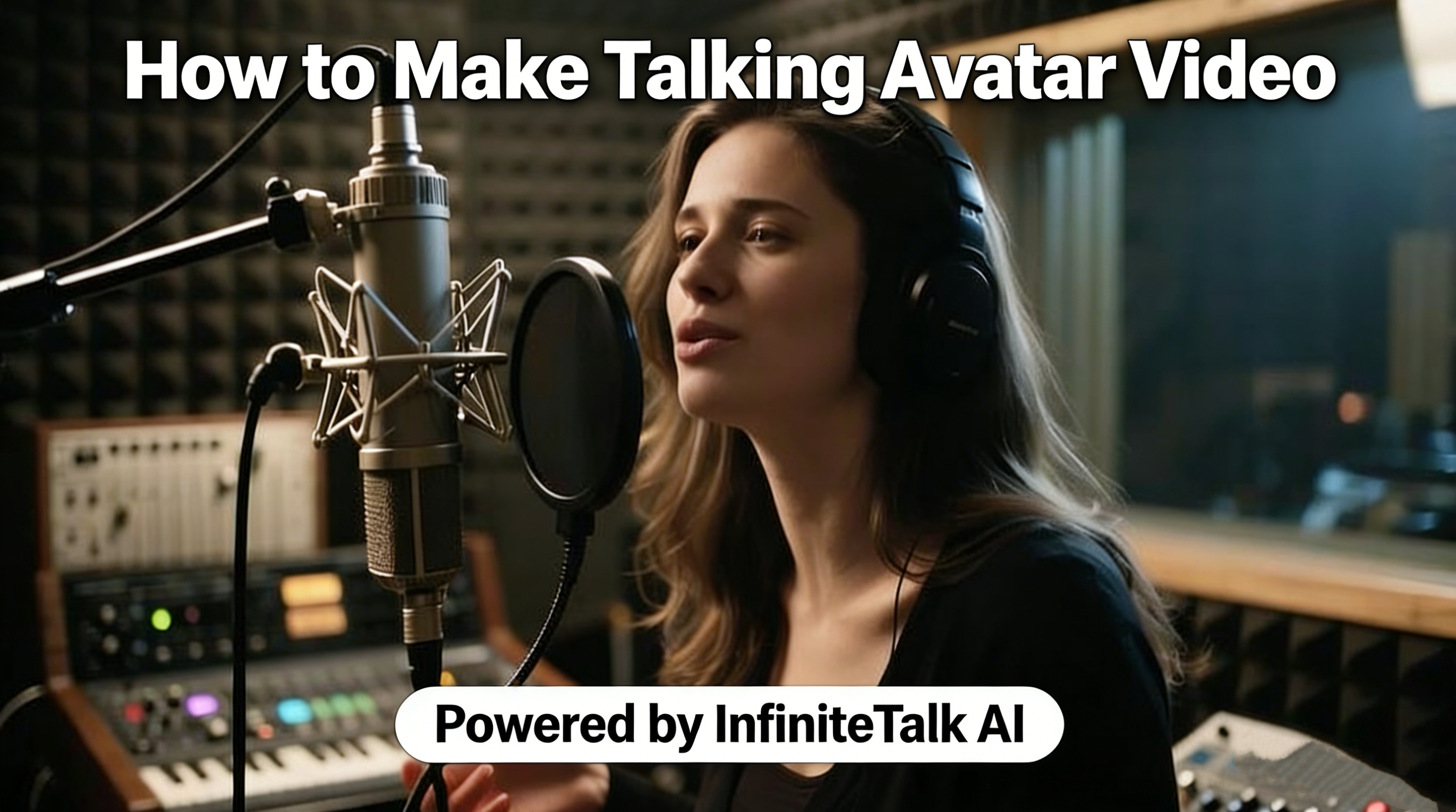
If you’ve ever wondered how to make talking avatar video content that feels genuinely lifelike — with natural lip sync, expressive head movements, and full-body gestures — InfiniteTalk AI is the tool you need to know about. Powered by a next-generation sparse-frame video dubbing framework, InfiniteTalk AI transforms any static image or existing video into a fully animated, audio-driven avatar in minutes. No studio. No camera. No filming required.
What Is InfiniteTalk AI?
InfiniteTalk AI is an advanced audio-driven video generation platform built on sparse-frame dubbing technology. Unlike traditional lip-sync tools that only animate the mouth region, InfiniteTalk AI synchronizes the entire upper body — lips, head tilts, posture shifts, and subtle facial expressions — all driven by your uploaded audio track.
The result is a talking avatar video that doesn’t look mechanical or robotic. It looks like a real person speaking.
InfiniteTalk AI supports two primary workflows:
Image-to-Video (Img2Video): Upload a single photo of any person or character, add an audio track, and watch the AI bring it to life.
Video-to-Video (Vid2Video): Upload an existing video, replace or dub the audio, and get a fully re-synced output with consistent identity preservation.
One of its most significant advantages is unlimited video length. While most competing tools cap generation at just a few seconds, InfiniteTalk AI can produce long-form content — tutorials, lectures, corporate presentations, podcast visuals — limited only by your hardware.
Key Features of InfiniteTalk AI
1. Full-Body Motion Synchronization
InfiniteTalk AI goes far beyond lip movements. Its deep audio analysis engine drives:
Precise lip sync — phoneme-level alignment between speech and mouth shape
Head movement — natural tilts and turns that follow speech rhythm
Body posture — realistic shifts in shoulder and torso position
Facial expressions — emotional nuance matching the tone of the voice
This combination creates a talking avatar that behaves the way a real human does when speaking, making InfiniteTalk AI a standout choice for professional video content.
2. Infinite-Length Video Generation
Traditional avatar tools produce only short clips — often 5 to 30 seconds. InfiniteTalk AI processes video in overlapping frame chunks (approximately 81 frames per chunk, with 25 overlapping frames carried into the next segment). This approach ensures smooth visual continuity across unlimited durations, making it ideal for long-form educational content, extended product demos, and full-length podcast recordings.
3. Identity Preservation Across Frames
A common problem with AI avatar tools is visual drift — the character’s face or style changes subtly from one segment to the next. InfiniteTalk AI solves this with momentum-based frame continuity, which carries identity signals forward across chunks. The avatar remains consistent and stable from the first frame to the last.
4. Flexible Resolution Options
InfiniteTalk AI supports multiple output resolutions:
480p — faster processing, ideal for quick social media clips
720p — balanced quality and speed for most use cases
1080p — highest quality for professional production
5. Multi-Person Support
For more complex productions, InfiniteTalk AI supports multi-person videos, allowing individual audio tracks and reference masks for each character in a single scene. This opens up possibilities for dialogue-driven content, interviews, and multi-host formats.
How to Make a Talking Avatar Video with InfiniteTalk AI
Here is a step-by-step walkthrough of how to make talking avatar video content using InfiniteTalk AI:
Step 1: Prepare Your Input Media
Choose your source material:
For Image-to-Video: Select a high-quality image with a clear, front-facing view of the person or character. Good lighting and a sharp facial area will yield the best results.
For Video-to-Video: Choose a video clip that features the person speaking or in a natural pose. The AI will re-sync the entire performance to your new audio.
Step 2: Prepare Your Audio Track
Your audio is the driving force of the entire animation. You can use:
A pre-recorded voiceover or podcast audio
Dialogue from a script read aloud
Any clear speech audio file (MP3, WAV, etc.)
The cleaner and clearer the audio, the more precisely InfiniteTalk AI will sync lip movements, expressions, and body motion.
Step 3: Upload to InfiniteTalk AI
Navigate to the InfiniteTalk AI tool and upload both your image/video and your audio file. The platform’s interface guides you through selecting your workflow (Image-to-Video or Video-to-Video) and setting your preferred resolution.
Step 4: Configure Output Settings
Select your desired resolution based on your intended use:
Use 480p for fast turnaround on social content
Use 720p or 1080p for presentations, educational videos, or branded content
Step 5: Generate and Download
Click generate. InfiniteTalk AI processes your input in real time, applying its sparse-frame dubbing framework to produce a fully synchronized, expressive talking avatar video. Once complete, download your video in MP4 format and share it anywhere.
👉 Start Creating Your Talking Avatar Video
Who Should Use InfiniteTalk AI?
InfiniteTalk AI is built for a wide range of creators and professionals:
Content Creators & YouTubers — Produce high-quality talking head videos without needing a camera setup or lighting equipment. InfiniteTalk AI makes it easy to create consistent, branded avatar content at scale.
Educators & Course Creators — Build long-form lecture videos and tutorials with realistic avatars that hold attention throughout extended content. InfiniteTalk AI maintains natural performance across minutes of continuous video.
Marketing & Business Teams — Create professional product demos, investor presentations, and training modules with polished virtual presenters. The consistent avatar identity across languages makes InfiniteTalk AI perfect for multilingual campaigns.
Podcasters — Turn audio-only podcast episodes into visually engaging video formats with animated avatar hosts, ready for YouTube, social media, or streaming platforms.
Developers & Researchers — InfiniteTalk AI’s open-source foundation (built on MeiGen-AI’s model) gives technical users the flexibility to integrate or experiment with the underlying framework for human-computer interaction, virtual reality, and digital human research.
Why InfiniteTalk AI Outperforms Traditional Tools
Most avatar and lip-sync tools are limited in one or more critical ways:
Feature | Traditional Tools | InfiniteTalk AI |
|---|---|---|
Lip sync only | ✓ | ✓ |
Full-body motion | ✗ | ✓ |
Unlimited video length | ✗ | ✓ |
Identity preservation | Limited | ✓ |
Multi-person support | ✗ | ✓ |
Image-to-Video | Rare | ✓ |
Video-to-Video dubbing | Limited | ✓ |
InfiniteTalk AI’s sparse-frame architecture is the technical foundation that makes this combination possible. By processing video in overlapping chunks and carrying momentum signals forward, it avoids the visual glitches and identity drift that plague shorter-generation tools.
Tips for Getting the Best Results with InfiniteTalk AI
To maximize the quality of your InfiniteTalk AI output, keep these best practices in mind:
Use front-facing, well-lit images for Image-to-Video mode. The AI performs best when facial features are clearly visible.
Record or source clean audio with minimal background noise. Clarity directly impacts the accuracy of lip sync and expression matching.
Choose the right resolution for your platform — 720p or 1080p for professional and educational use, 480p for faster, casual content.
For multi-language content, record separate audio tracks in each language and run InfiniteTalk AI for each version. The avatar’s visual identity remains consistent across all outputs, making your brand instantly recognizable in every market.
Final Thoughts
Whether you’re a solo creator, an educator, or a marketing professional, knowing how to make talking avatar video efficiently is a genuine competitive advantage in today’s content landscape. InfiniteTalk AI removes the barriers of traditional video production — no camera crew, no green screen, no reshoots — and replaces them with a fast, scalable, and remarkably realistic AI-driven workflow.
With full-body synchronization, unlimited video length, identity preservation, and multi-resolution output, InfiniteTalk AI sets a new standard for what talking avatar technology can do.
👉 Create Your First Talking Avatar Video with InfiniteTalk AI